Story memory
Character, place, and term mappings guide every chapter, so names stay exactly the same from page one to the finale.
AI-powered reading
Enjoy webnovels beyond language barriers with natural AI translation that keeps characters, terms, and context consistent.
Start translating on the web · Free beta plan available after login
Free to start · Google Chrome & macOS Safari
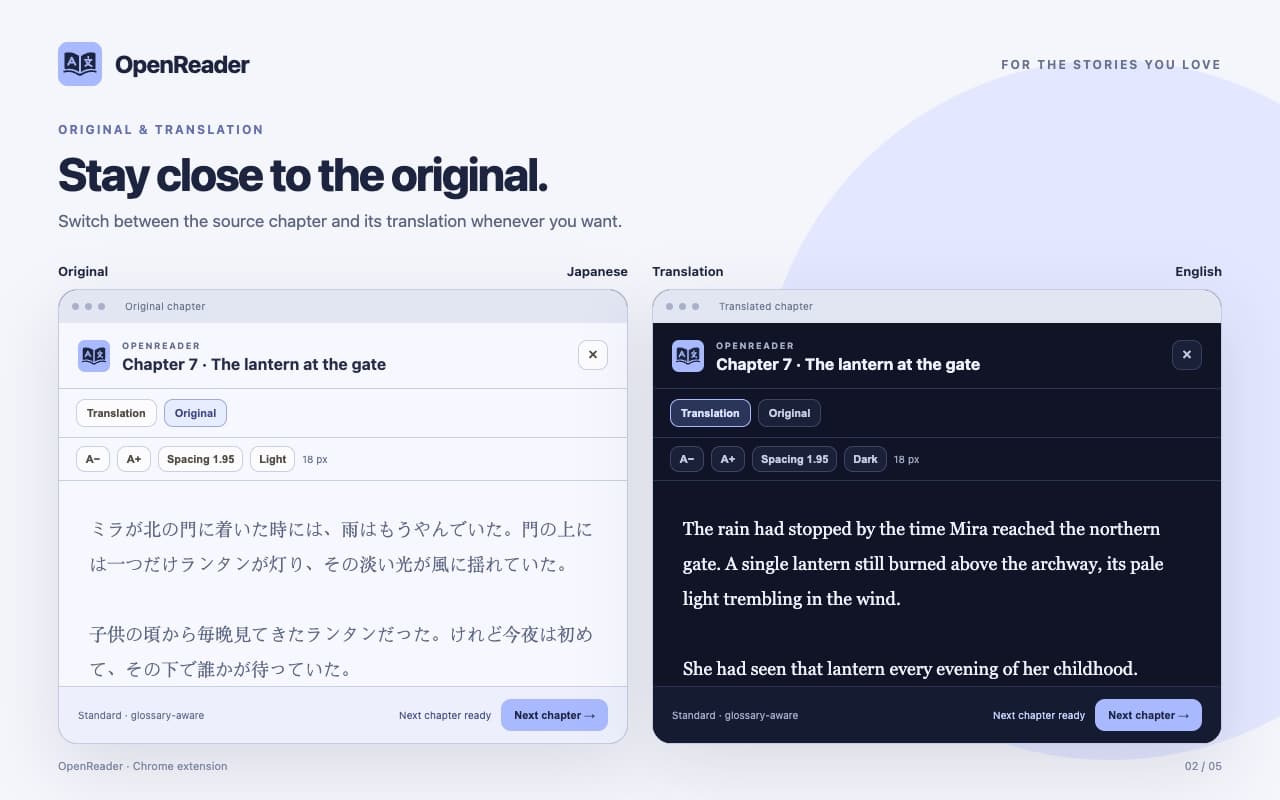
 OpenReaderChapter 7 · The lantern at the gate
The rain had stopped by the time Mira reached the northern gate. A single lantern still burned beneath the archway, its pale light trembling in the wind.
She had seen that lantern every evening of her childhood. Tonight, for the first time, someone was waiting beneath it.
“You came,” said the keeper. He did not sound surprised.
Mira unfolded the creased map. “You said the road would disappear at dawn.”
The keeper looked into the darkness beyond the gate. “Then we had better leave now.”
米拉来到北门时,雨已经停了。拱门下仍亮着一盏孤灯,微弱的灯光在风中轻轻摇曳。
小时候,她每天傍晚都会看见那盏灯。而今晚,第一次有人在灯下等她。
“你来了。”守门人说。他的声音里没有一丝惊讶。
米拉展开那张折好的地图。“你说过,这条路会在黎明时消失。”
守门人望向门外的黑暗。“那我们最好现在就出发。”
Why OpenReader
A focused reading companion for translated webnovels — built around the details that make a story feel like itself.
Character, place, and term mappings guide every chapter, so names stay exactly the same from page one to the finale.
Switch between the source text and the translation in one focused reader, without losing your place.
Generated glossary mappings are shared between readers. Edit any term or save your own private mapping for the chapters ahead.
The next chapter is prepared while you read, so continuing the story never means waiting.
Dark, light, and sepia themes with text size and line spacing you control, saved for the next visit.
Chapter text is processed in memory without being saved. Your translations and glossary edits stay private to your account.
Original & translation
Read the translation, then check the source whenever you want. Both versions live in one reader, exactly where you left off.
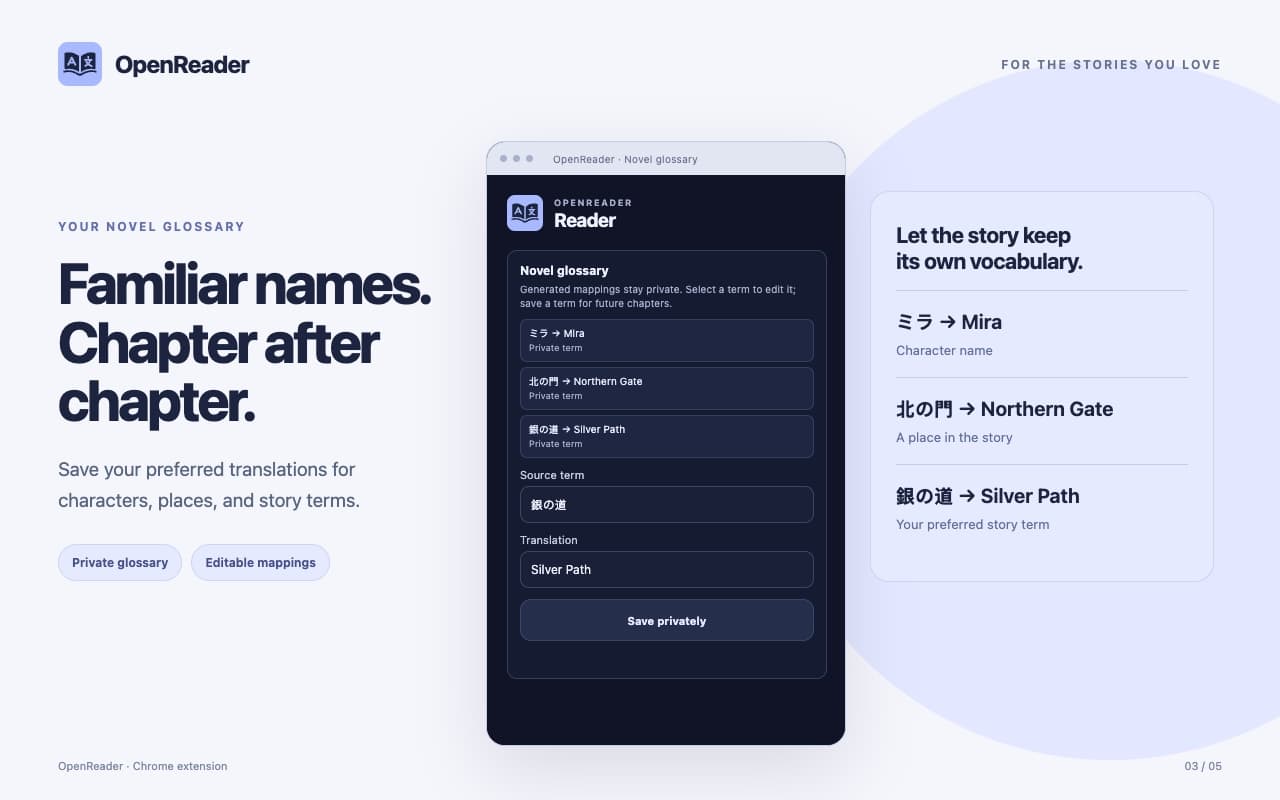
Your novel glossary
Save preferred translations for characters, places, and story terms. Select any term to edit it, or save a new one for the chapters ahead.
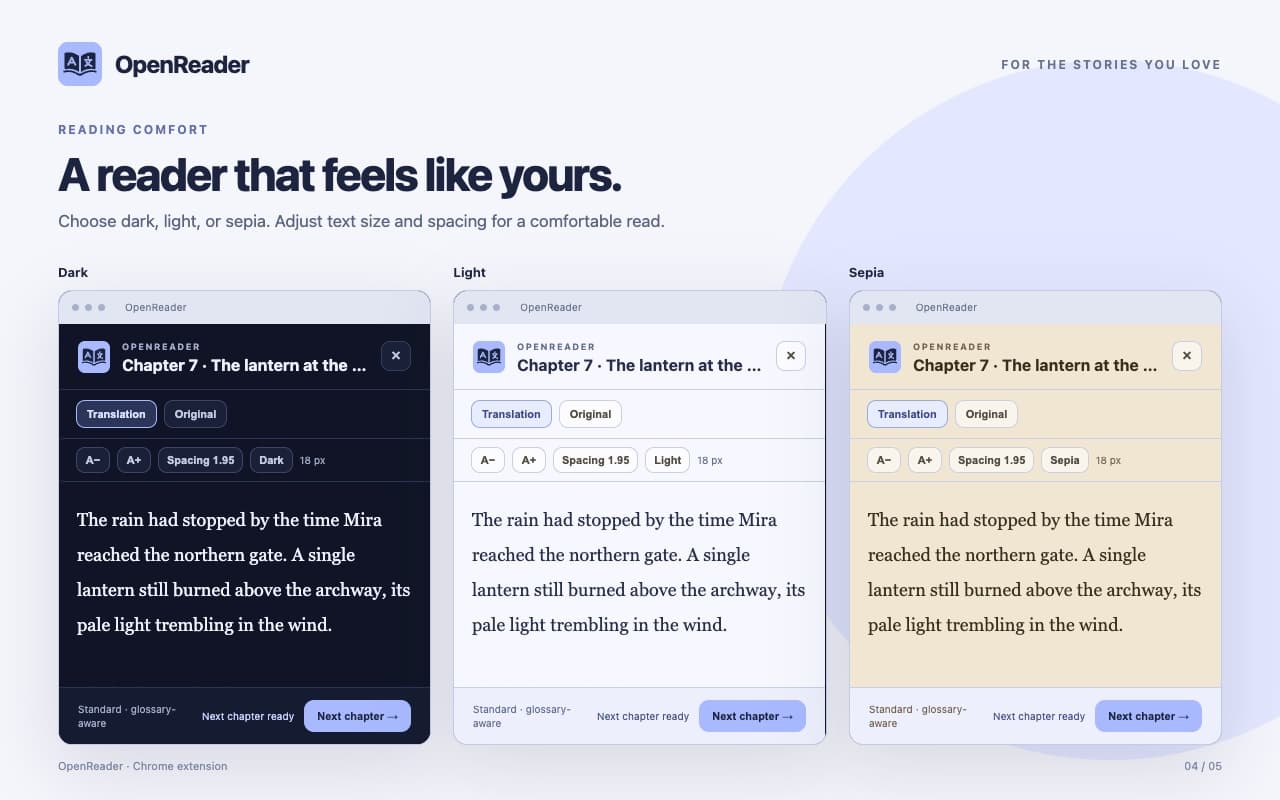
Dark, light, and sepia themes with text size, spacing, and saved position.
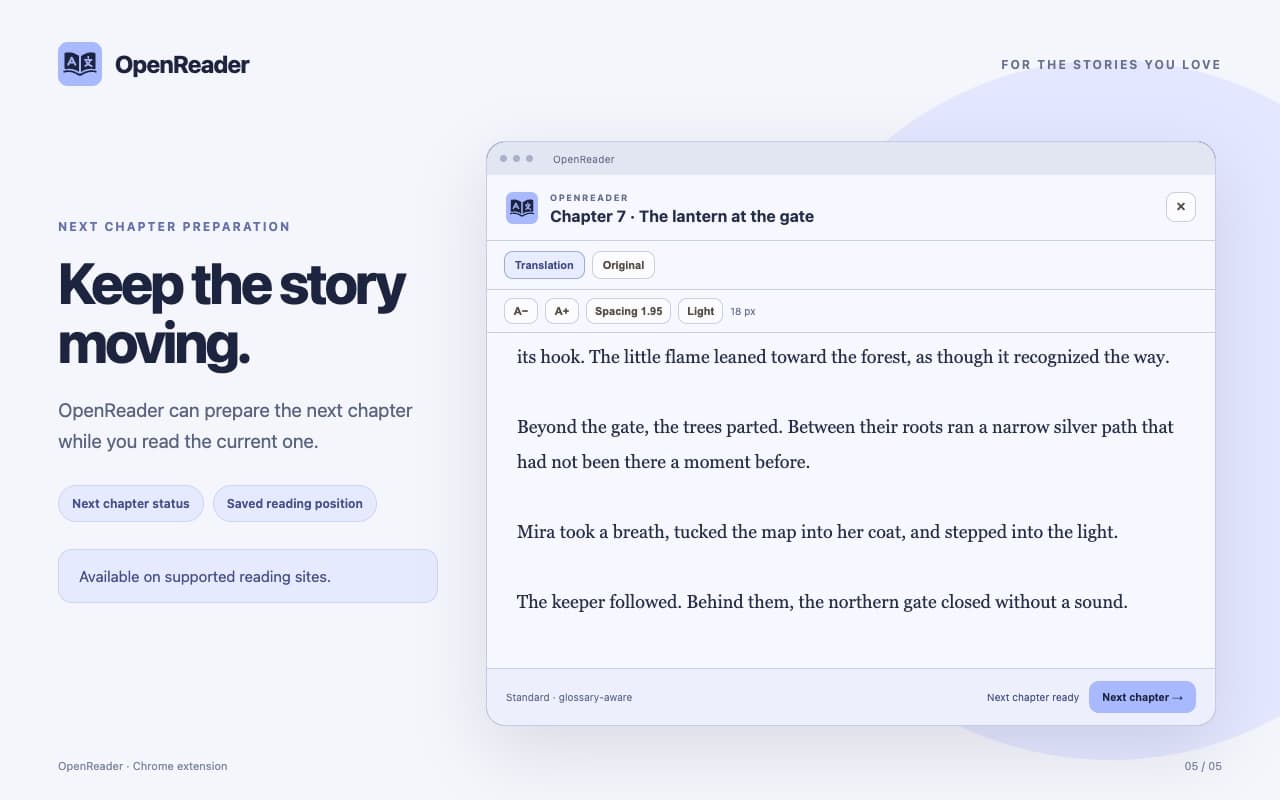
The next chapter is ready before you are, so you can keep reading.
How it works
Install the extension for Google Chrome or macOS Safari, then connect your account.
Pick the chapter's language and the language you want to read it in.
Names and terms stay consistent, and the next chapter is already being prepared.
FAQ
During the open beta you can activate a Standard or Boost translation plan through your account, and paid plans stay optional.
Google Chrome (116 and newer) and macOS Safari. The extension installs like any other browser extension — no special setup.
Yes. Log in to OpenReader to access your translation plan and keep your glossary and reading preferences together.
On popular webnovel sites. The reader adapts to common chapter layouts, and if a page uses a custom design you can select a passage and translate just that.
No. OpenReader translates the chapter on screen and prepares the next one while you read. It never crawls a novel or requests permanent access to reading sites.
OpenReader ships with eight translation languages, with pickable source and target languages, and keeps quality tuned per language pair.
For the stories you love
Start translating on the web · Free beta plan available after login
Free to start · Google Chrome & macOS Safari